

How to find your event photos with a selfie
Open the gallery link, tap Find Me, and take a selfie. Your photos from the event appear in seconds, with no app and no account.
Steps
-
Open the gallery from its link or QR code.
-
Tap Find Me at the bottom of the screen.
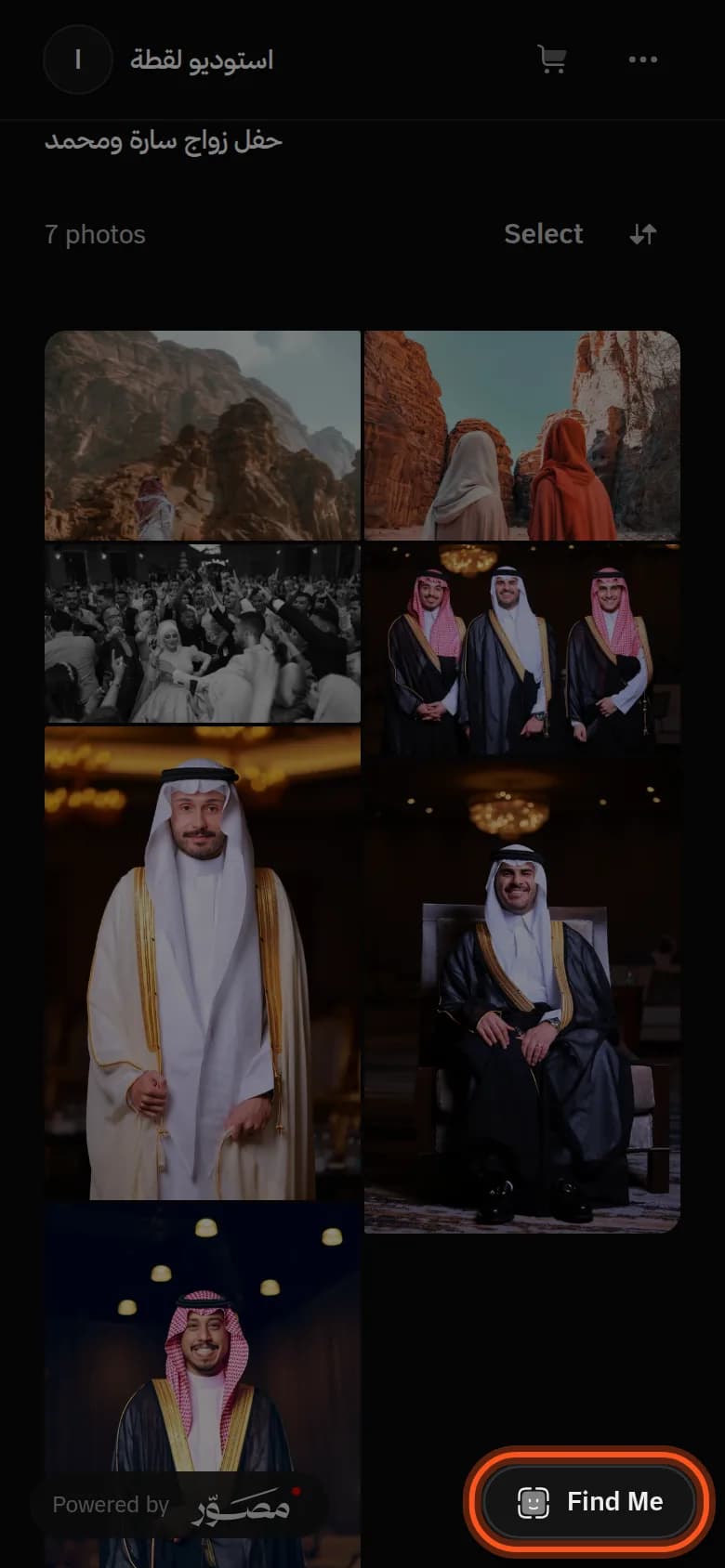
-
Agree to the match.
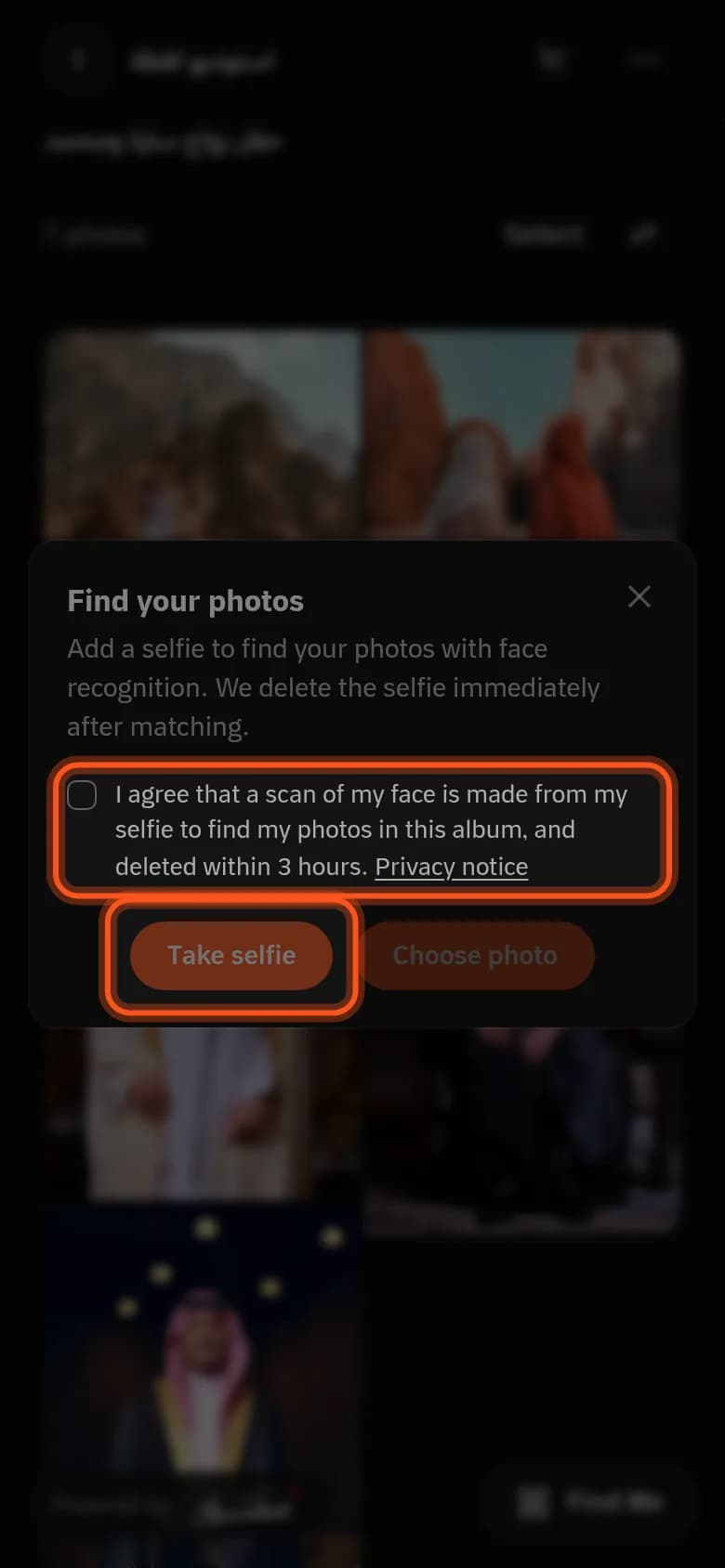
-
Take a selfie or choose a photo of your face.
-
Download or buy your photos.
Your photos are blurred?
Some photographers sell their photos, so yours show blurred except your face. Buy a photo to get it in full.
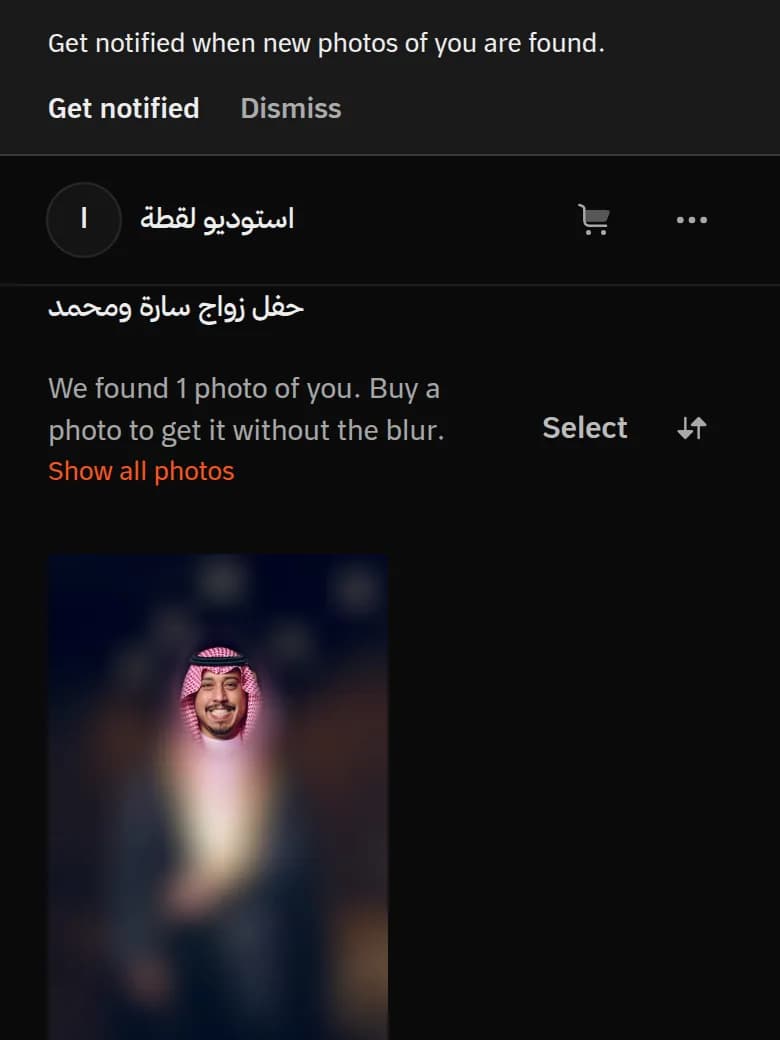
Buying photos
- Tap Buy or Add to cart, then Check out.
- After you pay, the download starts, and the download links reach your email, valid for 30 days.
My photos didn't show up
- Use a clear photo of your face in good light.
- Maybe not every photo is uploaded yet: tap Notify me and leave your email.
- Contact the photographer: tap their name in the gallery.
Privacy
We don't keep your selfie. Details are in our privacy notice.
Frequently asked questions
Do I need an app or an account?
No, it works straight from your browser.
I'm a photographer. How do I turn on Find Me?
It works in every album automatically. Read Find Me (AI) settings.
Last updated: October 27, 2026