

Password-protect an album and blur its photos
Password
-
Open the album and tap Settings, then Privacy.
-
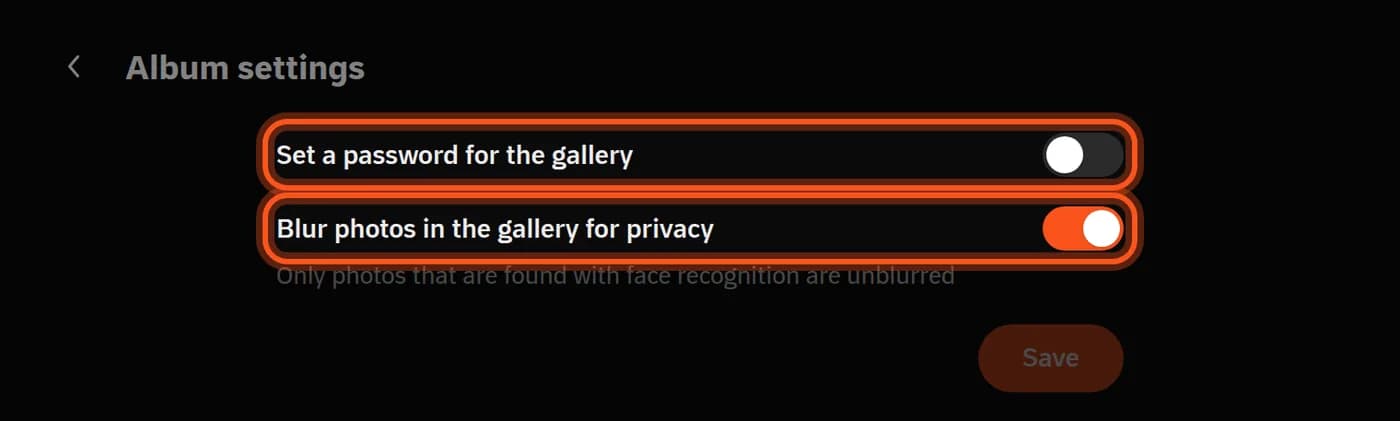
Turn on Set a password for the gallery and type a password of at least 8 characters.
-
Tap Save and send the password to your guests with the link.
Guests see This gallery is protected, type the password and tap View gallery, and the gallery stays open for them for 30 days in that browser. You can see the password any time with Show password.
When you change or remove it
Every guest who opened the gallery before is signed out and needs the new password.
Blur
Blur photos in the gallery for privacy is on by default in new albums: guests see every photo blurred, and each guest sees only their own photos clearly after Find Me. Details in Find Me (AI) settings.
Last updated: October 27, 2026