

Get started with Mosawer
Create the event album, upload its photos, and share the gallery link. Every guest finds their photos with a selfie.
Introduction video, coming soon
Steps
-
Create your account on the sign-up page. The 7-day trial is free, with no card.
-
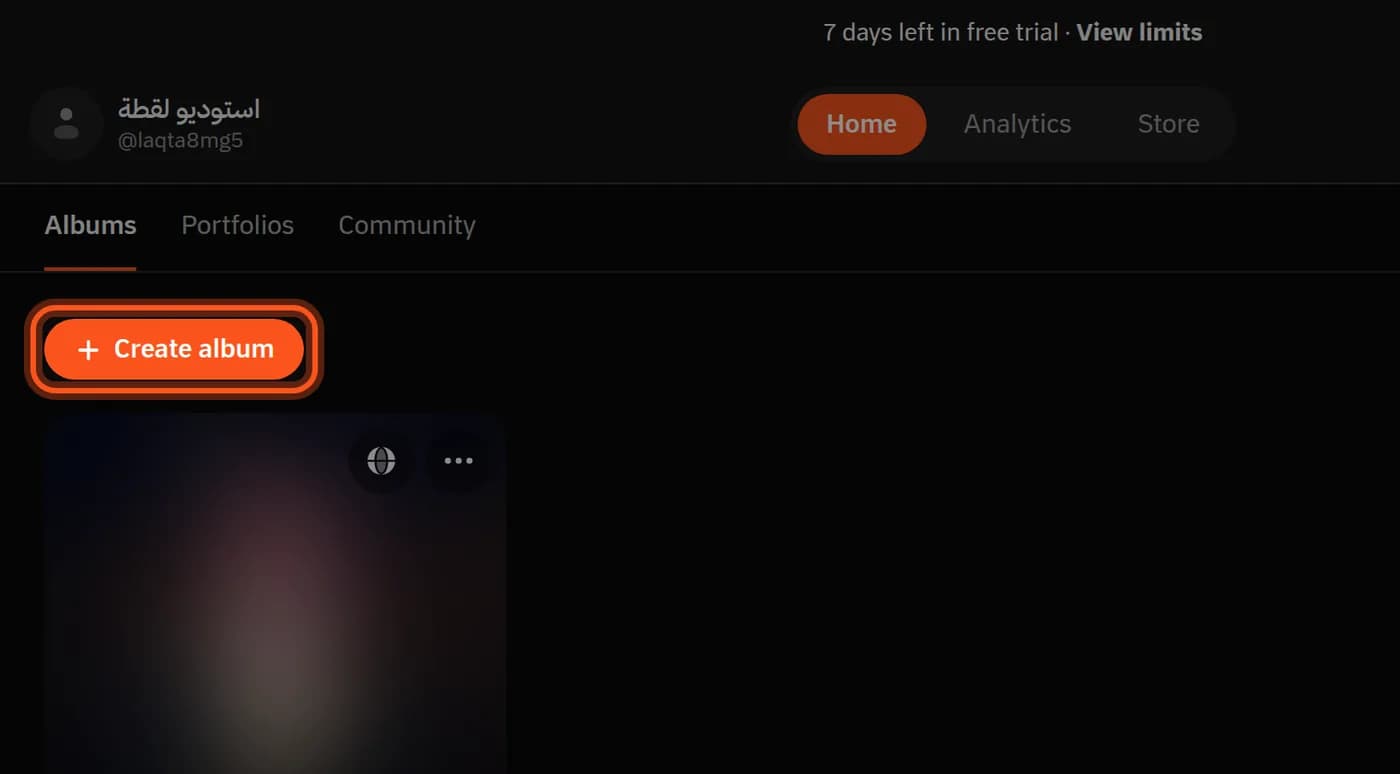
Create an album: tap Create album and type the event's name.
-
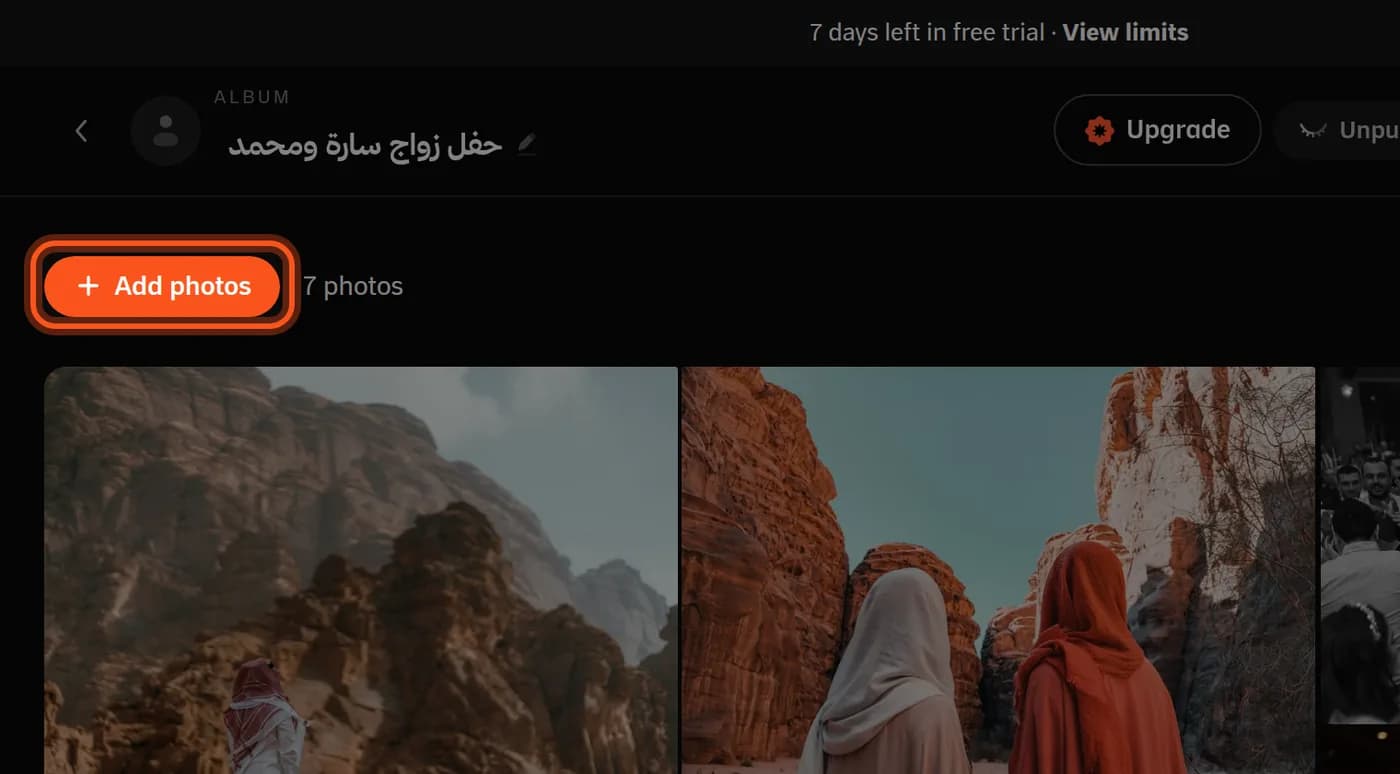
Upload the photos: tap Add photos on the album page.
-
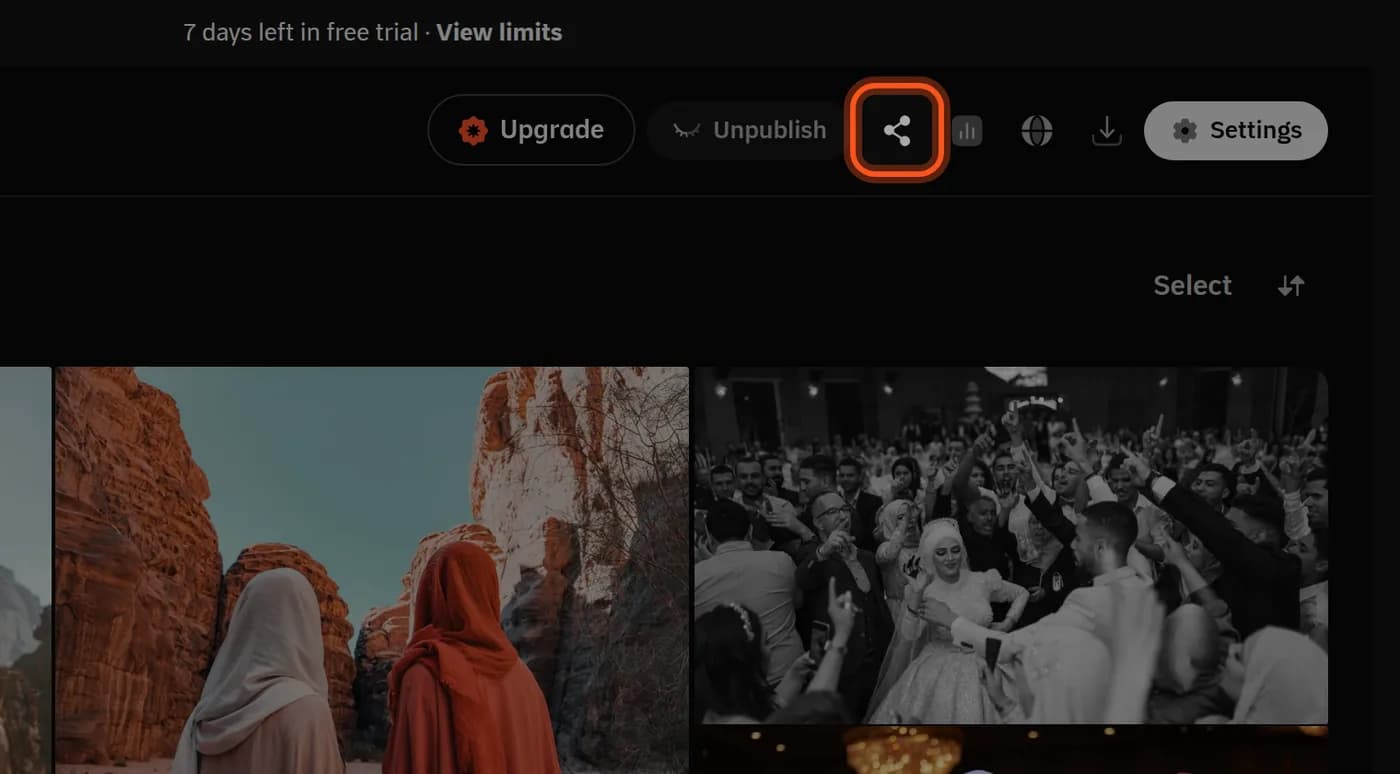
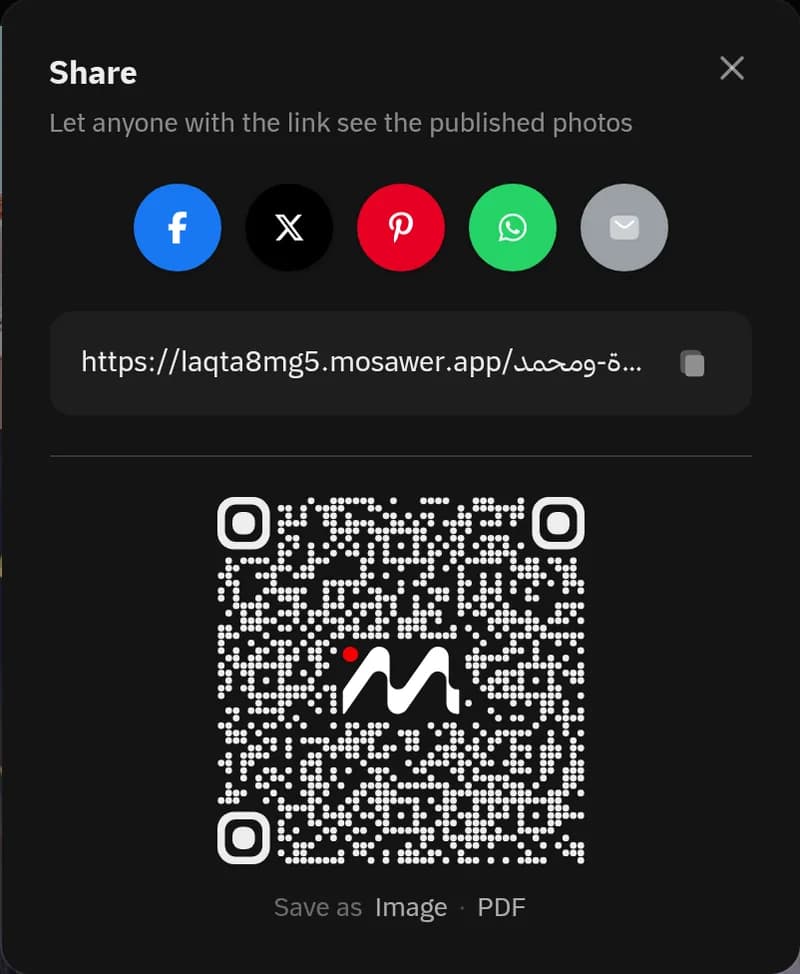
Share the gallery: tap the share icon, then copy the link or save the QR code.
Photos appear as soon as they upload
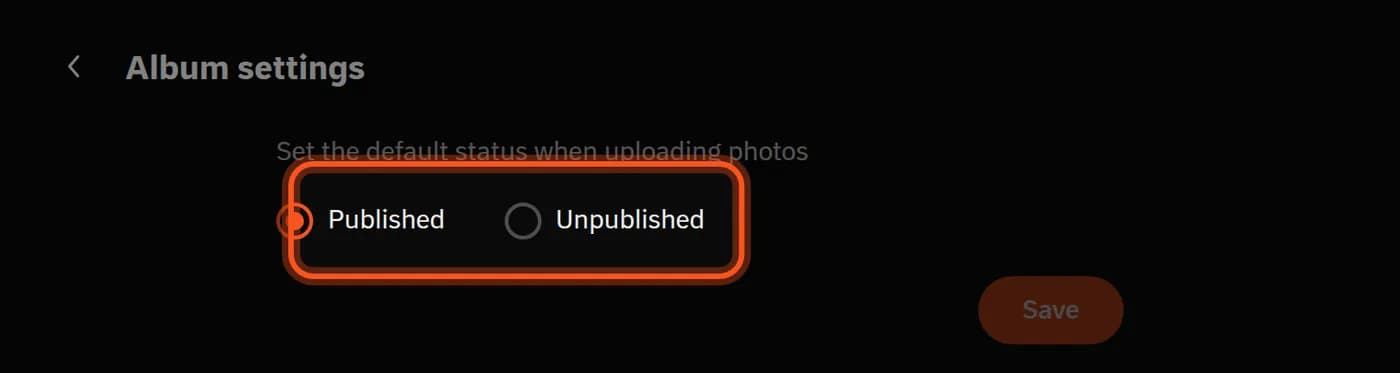
Guests see uploaded photos straight away. To review them first, choose Unpublished in Album settings → Default status.
Upload while you shoot
With Mosawer Connect on your computer, photos reach the album while you shoot.
Last updated: October 27, 2026