

Join the photographer community
Join the community so clients find you in the photographer directory by city and specialty, and your photos appear in Explore. Available on paid plans.
Steps
-
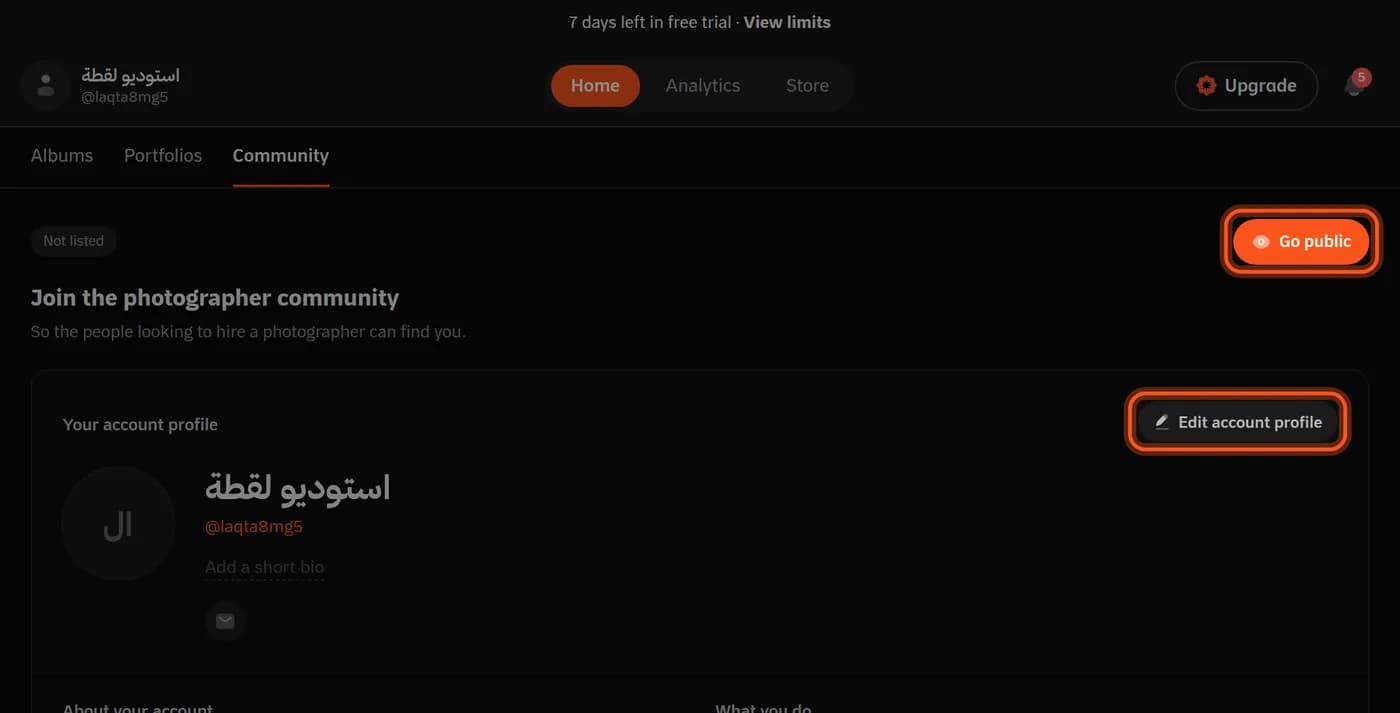
Open Community in your dashboard.
-
Complete your profile in Edit account profile: your bio and links, WhatsApp among them. Who you are, country and city come from Settings → Account.
-
Pick What you shoot from the specialties, and Aerial photography if you shoot from the air.
-
Choose Portfolios to show: the portfolios your profile lists.
-
Tap Go public and confirm you have the right to show this work.
Before you go public
Before you can go public lists what is missing: a handle (@you), a paid plan, a chosen portfolio with photos, WhatsApp or a social link on your profile, and the consent confirmation.
Your public profile
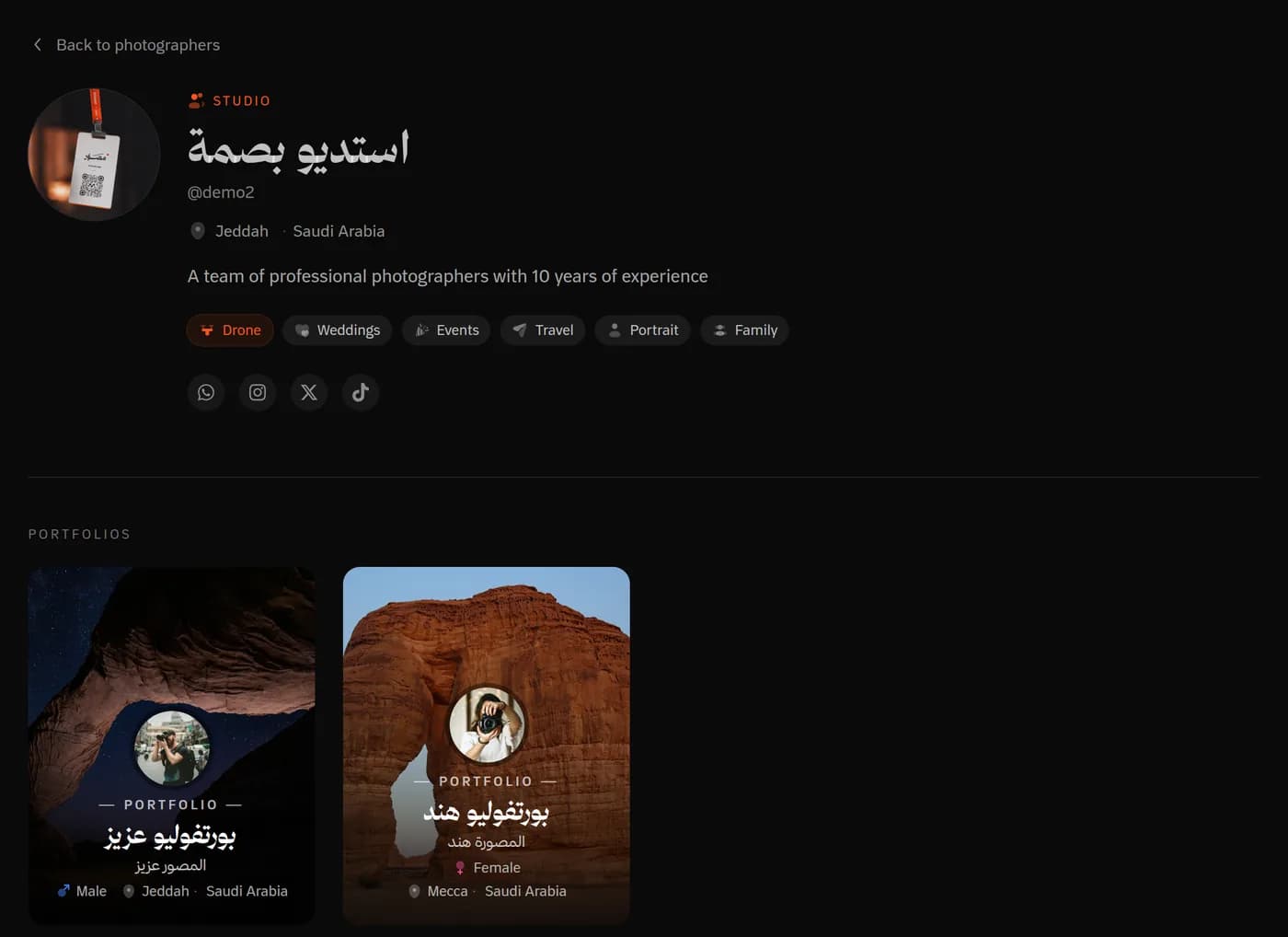
Your profile lives at mosawer.app/@you: your picture, bio, city and specialties, a Contact on WhatsApp button and your social links, and your portfolio cards.
Which photos appear in Explore?
Published photos in albums on the portfolios you chose, when the album and portfolio are published, have no password, and blur is off in the album. Your showcase photos appear too.
When someone reaches out
You get Someone wants to reach you in the bell when a visitor taps the WhatsApp link on your profile.
Leaving the community
Leave the community takes your profile and photos out of the directory at once, and you can come back any time.
Last updated: October 27, 2026