

Your portfolio site
Your portfolio is the site that shows your work, at your Mosawer address (yourname.mosawer.app) or on your own domain. This is what visitors see:

Steps
-
Open Portfolios in your dashboard and tap your portfolio.
-
Upload a cover with Upload image.
-
Choose the profile it shows: the arrows switch between your profiles, Show profile or Hide profile controls whether it appears, and New profile… adds another.
-
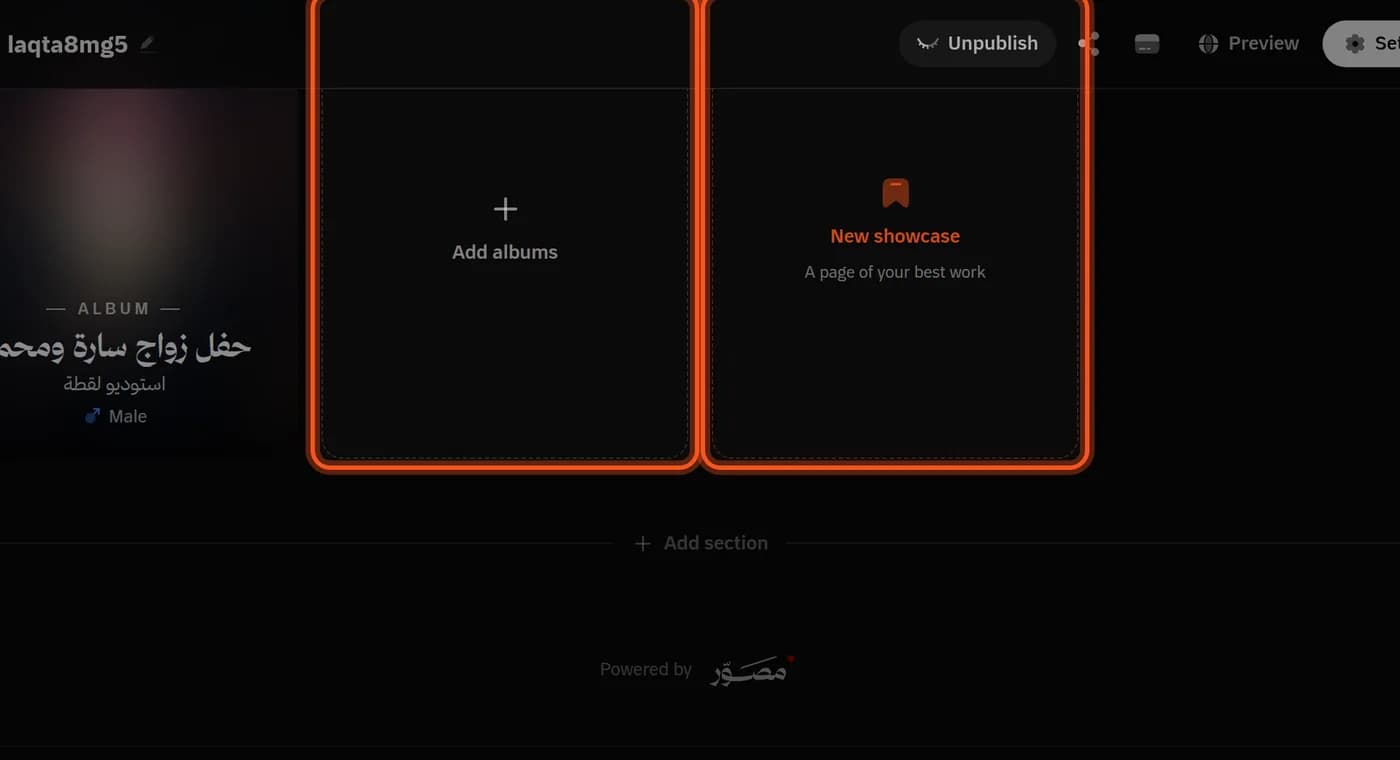
Add albums with Add albums and tick them in the list. No album joins a portfolio by itself.
-
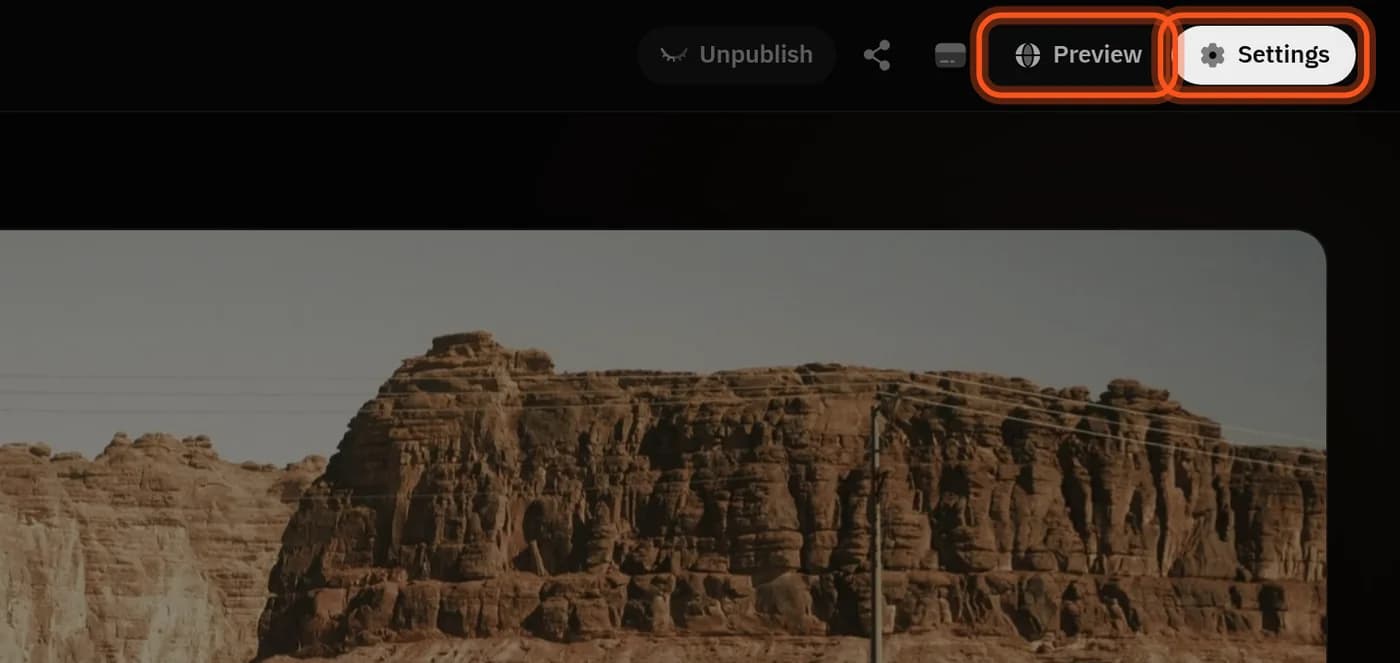
Tap Preview to see what visitors see, then Publish.

Order and sections
- Order: pick an order from the list, or drag albums and it becomes Custom order.
- Sections: tap Add section, pick a specialty or type a name, and drag albums into it.
Showcases
A page that gathers your best photos from any album:
-
Tap New showcase, name it, then Create.
-
Tap Select photos and pick photos from your albums, up to 500.
-
Drag to reorder them, and choose the cover.
Settings
From Settings at the top of the editor:
- Address: your Mosawer link, 3 to 30 lowercase letters, digits and hyphens.
- Custom domain: on Pro and Studio. At your domain provider, add a CNAME record pointing to customers.mosawer.app, allow up to 48 hours, then tap Verify.
- Favicon: PNG, ICO or GIF, up to 1 MB.
- Password protection: at least 8 characters; a protected portfolio stays out of Google.
- Search engines: written for you, and you can customise it.
At the bottom of the page you choose what visitors see first: the theme (system, dark or light) and the language. Deleting a portfolio keeps its albums.
How many portfolios?
One on the trial, 3 on Indie, 10 on Pro, and no limit on Studio. Plans are on the pricing page.
Last updated: October 27, 2026